
Archive for April, 2008
Syd Wins Major Diving Loot!
by admin on Apr.29, 2008, under Dive Trips
Wow! This weekend Syd scored in a major way at a scuba sale at our local diving store Mac’s Sports. Each year they have a few big sales with special promotions and raffles. We went last year and didn’t win anything, but it was still fun. The vendor reps are there to answer gear questions and there are presentations all day on underwater photography, spearfishing, diving techniques and equipment. But of course, there is the raffle drawings through the day. I went early in the morning and bought 6 tickets for $5 and hung out talking with all the shop staff for a while – most of whom we have been diving with, etc. I went home and we did some things and then went out to grab lunch and hit the 11am drawing where they were giving away the dive computer. And here is how it happened:
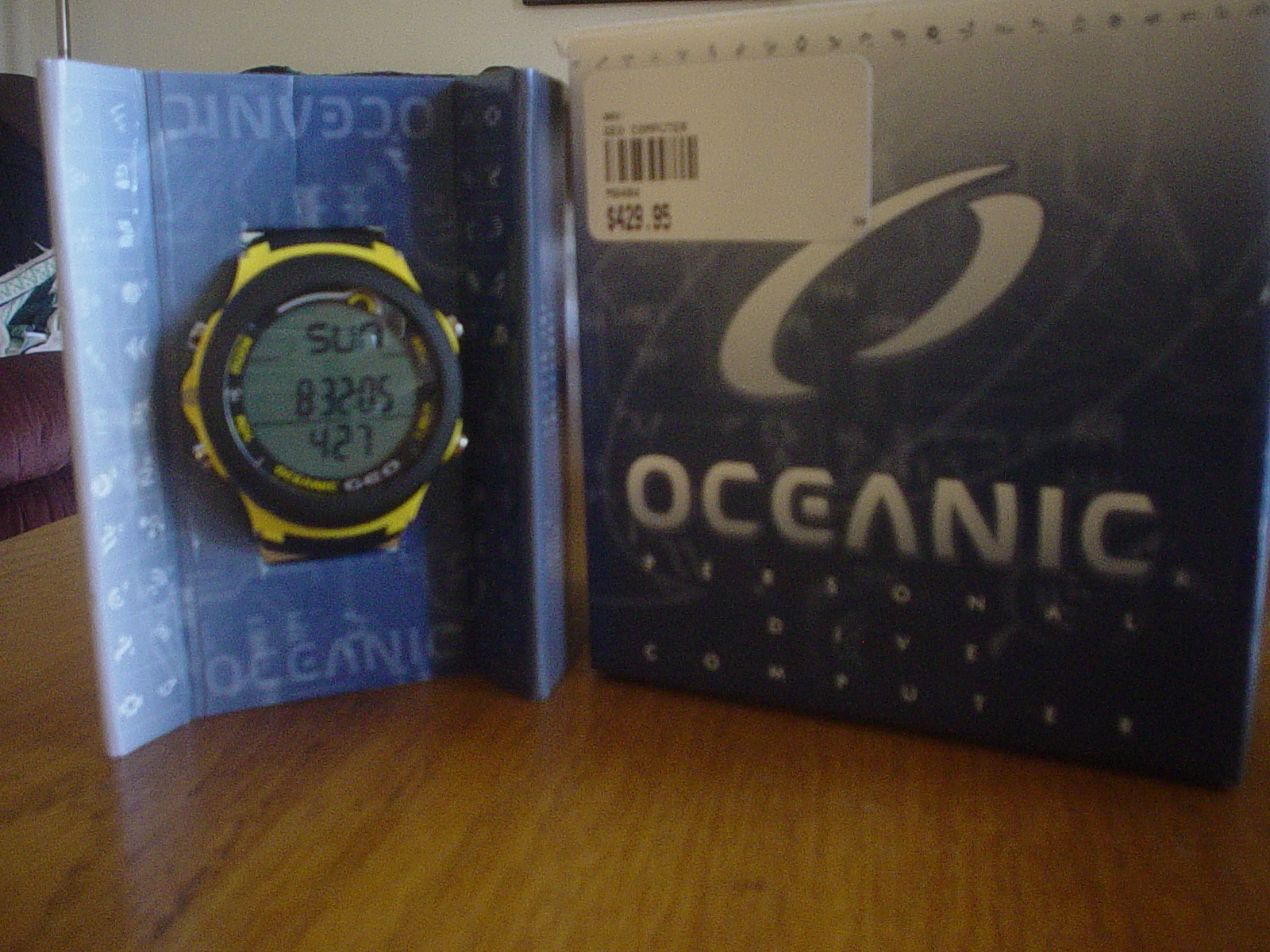
Syd walked in and bought $5 in tickets. About 5 minutes later they held the drawing. Sure enough, she won – the happy and surprised new owner of an Oceanic Geo dive computer! Wow! That was cool! It’s a very nice computer – I considered it as a potential one last year when it came out, though we ended up going with our Mares Nemo computers. The Oceanic retails for about $430 and is going to make a perfect secondary computer for Syd. They even let her pick what color she wanted, she went with the yellow and black titanium bezel one. It a sleek little thing for sure. She was very happy.
We then went and had lunch and did some things at home. We decided to go back for the big finale drawing at 6pm. We walked in and about about 5 minutes later they held the drawing. The gave away several items, dive lights, etc. and then the big drawing for the Zeagle Stiletto BC came up.
CCNA Linux Networking Presentation
by admin on Apr.12, 2008, under College Stuff, IT Adventures
The CCNA (Cisco Certified Networking Associate) class I am taking at St. Pete College required a paper and presentation as one of its primary projects. My two lab mates and I decided to have our area of focus be on Linux (yes – surprising I know) and its role in a network environment. The paper and Power Point presentation are here. This was an introductory presentation to enlighten students new to networking or IT on the roles Linux plays in networking and environments such as data center, enterprise and small to medium business. 80% of the audience had no experience with Linux, so this was definitely an introductory talk.
OpenVPN and BackupPC
by admin on Apr.06, 2008, under IT Adventures
Last week I configured a VPN running between my house and server at work using OpenVPN. The configuration of OpenVPN on the server and client was extremely simple and I wrote a wiki article on it. I highly recommend looking into this if you need an OpenSource VPN solution. It literally took a few minutes to get is deployed as far as the VPN itself. I suggest you just try the mini how-to for initial deployment and then expand on that as needed.
I did have to compile a kernel module for the tun device on one server which a colleague assisted me with – but it was very straight forward and the steps I took to do so are here (see kernel and module configuration) should you need to do the same. It’s not a step by step how to, but certainly gives the broad overview on what to do. You likely won’t even need this though as most distro’s include the tun device, just do an lsmod and look for it. If not though, compiling the module will generally follow the steps described on the wiki.
Once the VPN was running all kinds of fun things are possible, but the primary reason I did this was to use BackupPC to back up my home PCs. I have another blog post on BackupPC and a wiki on it. I very highly recommend this as a backup solution for both your servers at work and even for personal use. I think it is superior to Backula or Amanda – though setting it up can be a tad beastly. Once configured though – it is the bomb.
WordPress 2.5 & Database Changes
by admin on Apr.06, 2008, under IT Adventures
Last week I upgraded the blog software (which drives this wonder of technology blog site) to the latest WordPress 2.5. The upgrade went very well, though there was one database change that caused an issue with comments not showing up correctly in the management interface. It would say there were comments waiting but not display them when you clicked the link. This was due to a new field being added to the wp_comments database which needs to be indexed.
The WordPress forums do have a mention of this, but it is a bit buried and the fix may elude some users. After Googling a bit it was easy to see the issue was due to a database schema change in the wp_comments table.
The solution is simple, and you can do it in the mysql client (for you shell happy guys) or using phpmyadmin.
